24 cards. One schedule change.
Select a card to inspect its returned HTML. Follow card 2 through a single-row update, then highlight its time field inside the browser.

24 HTML cards from one template. One new card after a schedule change.
AI Design can create the first HTML card and a reusable template from sample copy and design instructions. This run takes the template from the Chinese AI Design example and sends 24 English rows to the batch endpoint.
POST /api/developer/v1/layout/template-batch
Lighthouse Echoes has a new time and room. Resend row 2 with the same template.
Row 2 · ScheduleDec 5, 11:15 am · Hall 2
Rescheduled
The buttons replay two captured SDK responses. The emphasis control applies a CSS edit in this demo. The JSON always contains the API output.
Fit the entire title without moving its frame
Send a page, its frames, and two rows. The short title keeps its 54 px size. The longer one shrinks to a fitting size, keeping the highlighted phrase and the original frame position.
POST /api/developer/v1/layout/fixed
Keep the illustration beside its caption as Word becomes a web page
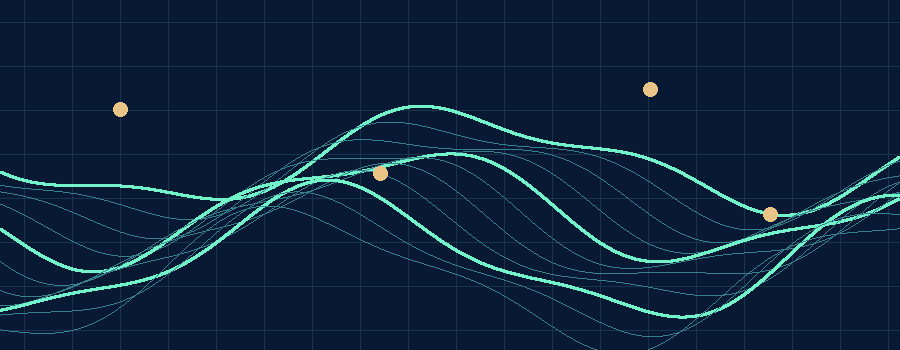
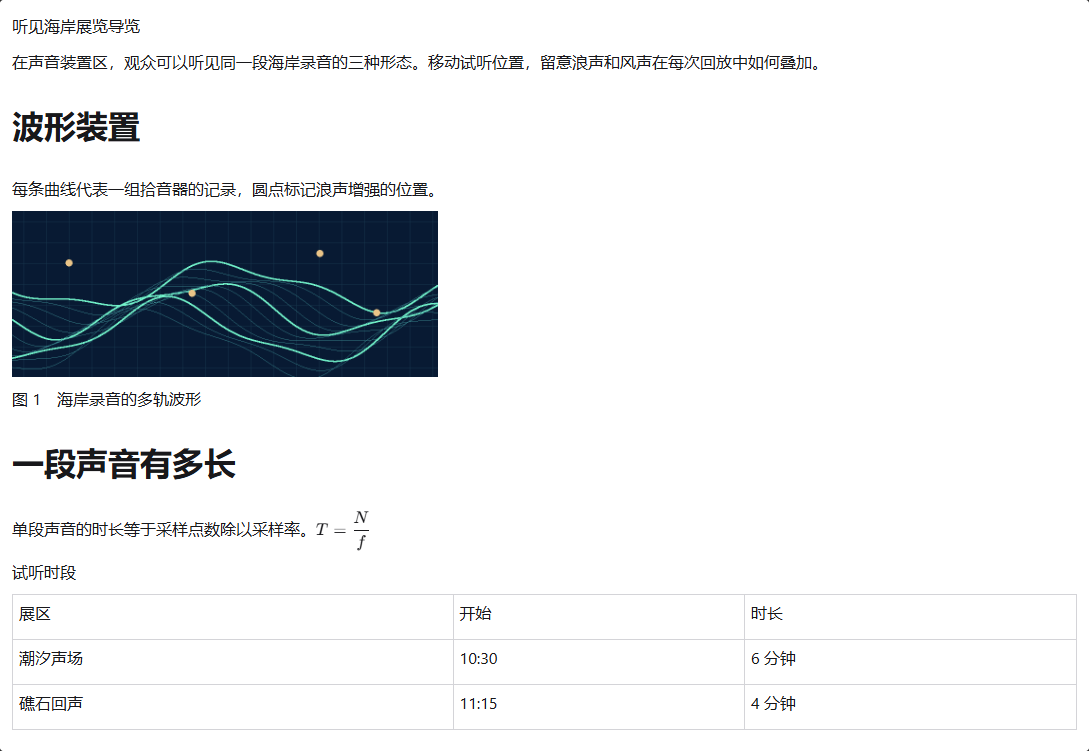
The waveform stays between its explanation and caption. The extracted PNG matches the Word image byte for byte. Narrow the HTML preview to see the illustration resize while the fraction and schedule table stay readable.
POST /api/developer/v1/documents/docx-to-html
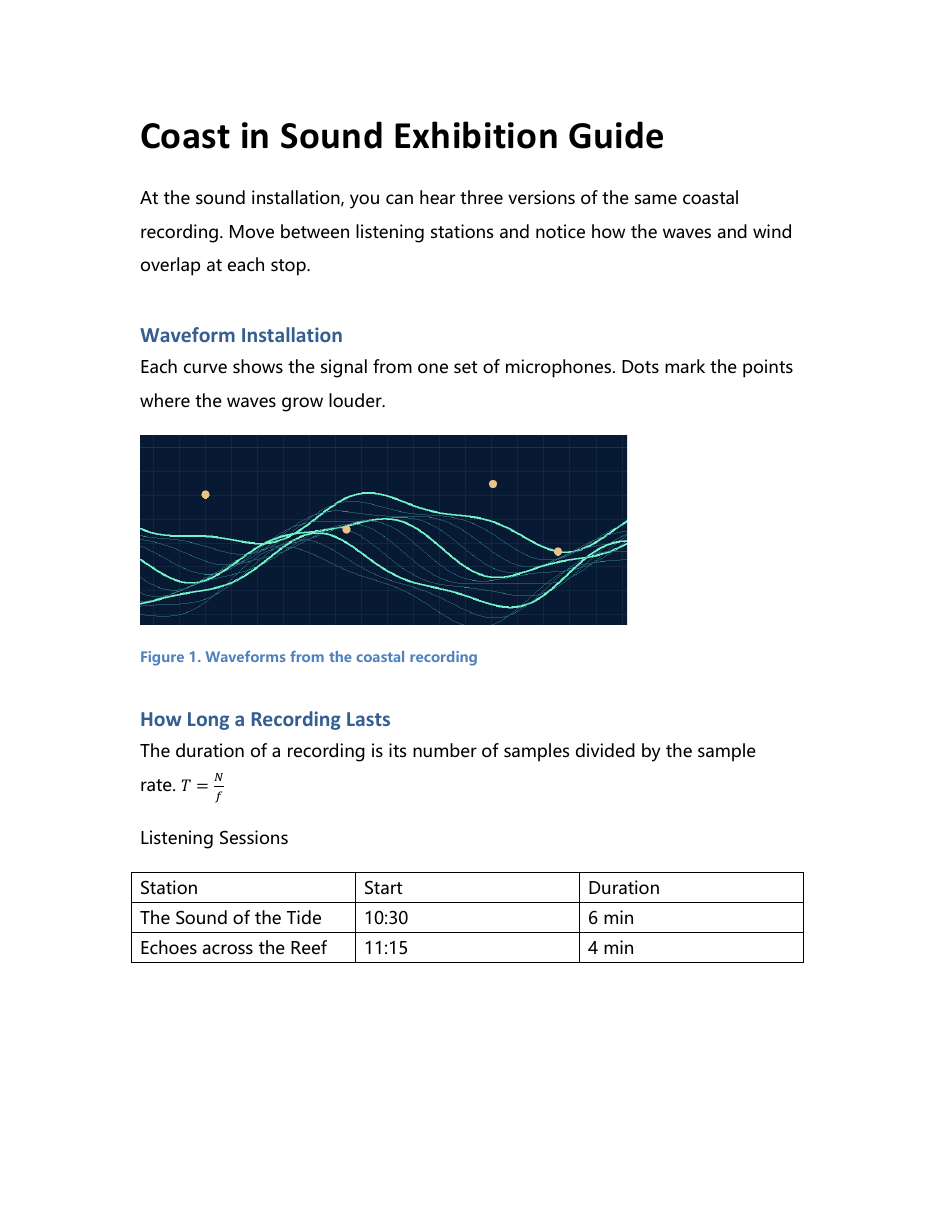
The HTML reflows at the available width. The converter reports unsupported Word layout features such as columns and floating objects.
Paste the guide into an editable table in your app
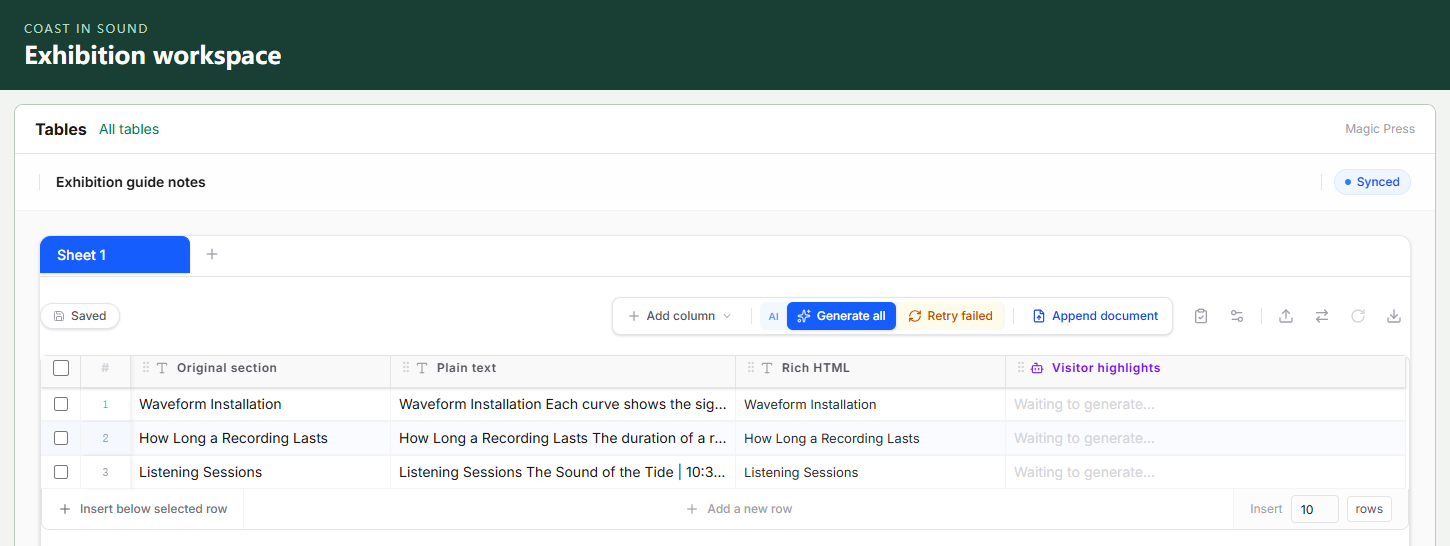
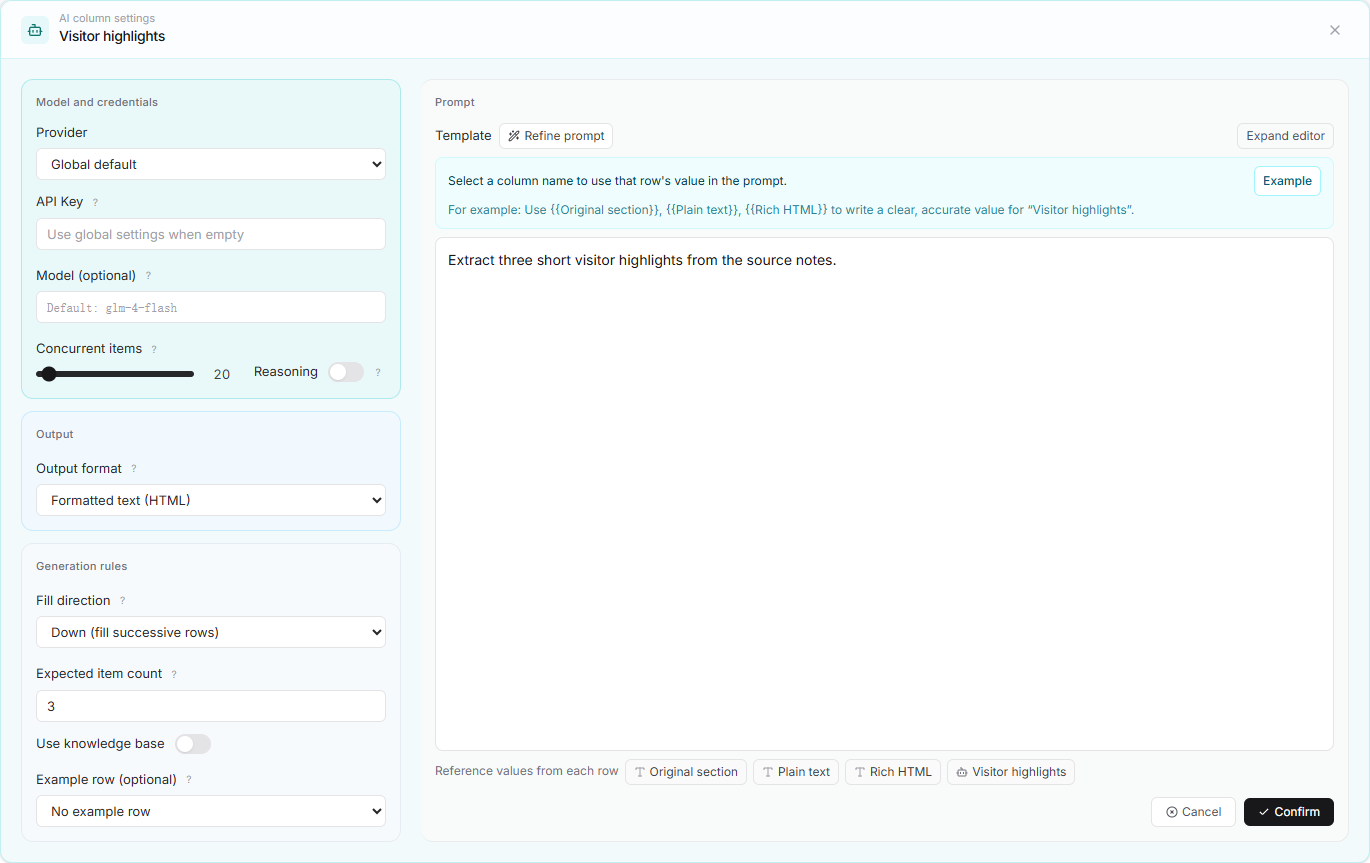
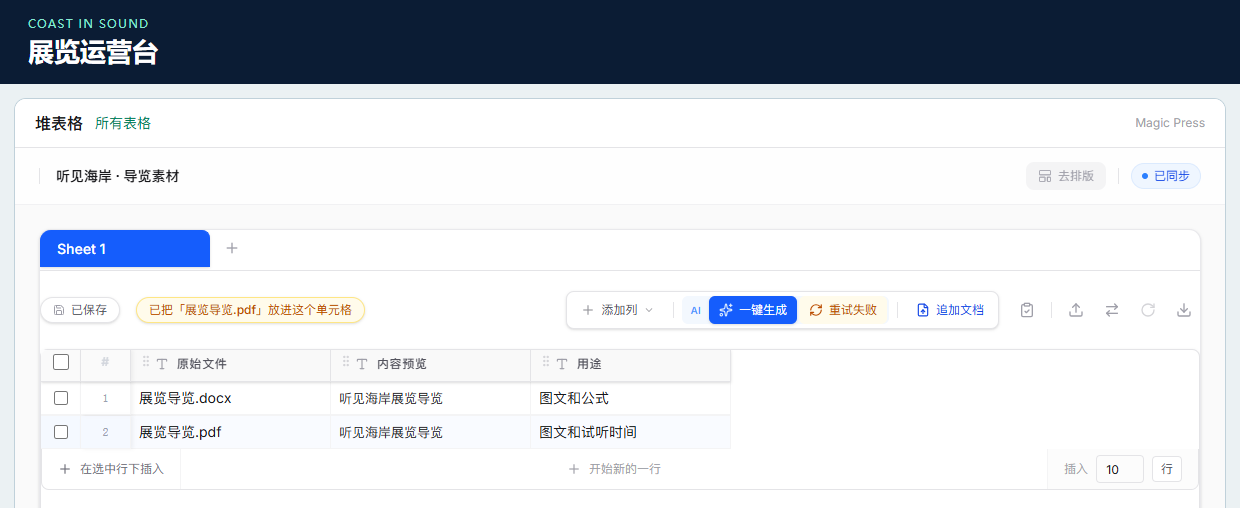
Your customer signs in to your app and edits their own workspace there. An English guide becomes three editable records. Compare their plain-text and rich HTML fields, or open the original example of pasting a whole document into one cell. The editor supports English and Simplified Chinese.
POST /api/developer/v1/tables/embed-credentials
Update a printed guide’s video or narration without reprinting its QR code
Upload audio or video to receive a media ID, a playback URL, and a QR code. Replace the file using the same ID and project key. The ID, URL, and QR code stayed the same in the local SDK test.
POST /api/developer/v1/media → PATCH /api/developer/v1/media/{id}
Use the player to compare the two files. The pictured QR codes document an isolated SDK test and have no live destination.

Original · The Sound of the Tide
Both clips are silent. In The Sound of the Tide, a moving waveform traces the tide from left to right. In Echoes across the Reef, two echoes trace the shape of the shore.

Original · Exhibition guide
These recordings come from the Chinese showcase.